One message to a thousand customers, personal to each.
Send an approved WhatsApp message to your groups, an imported list or a few numbers, with each customer’s name and details filled in. Send now or schedule, and watch every delivery and read come in.
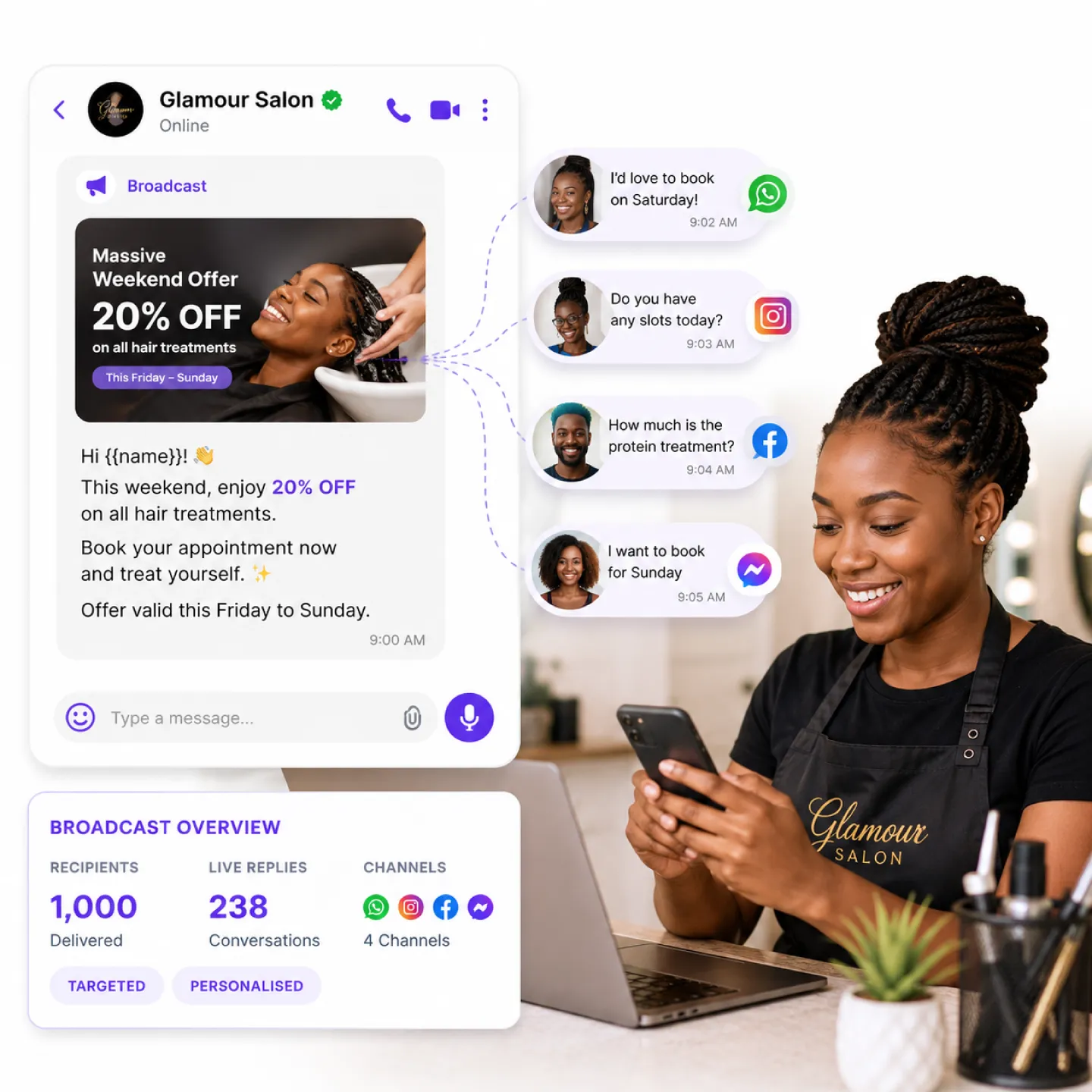
Running customer conversations for WhatsApp-first businesses




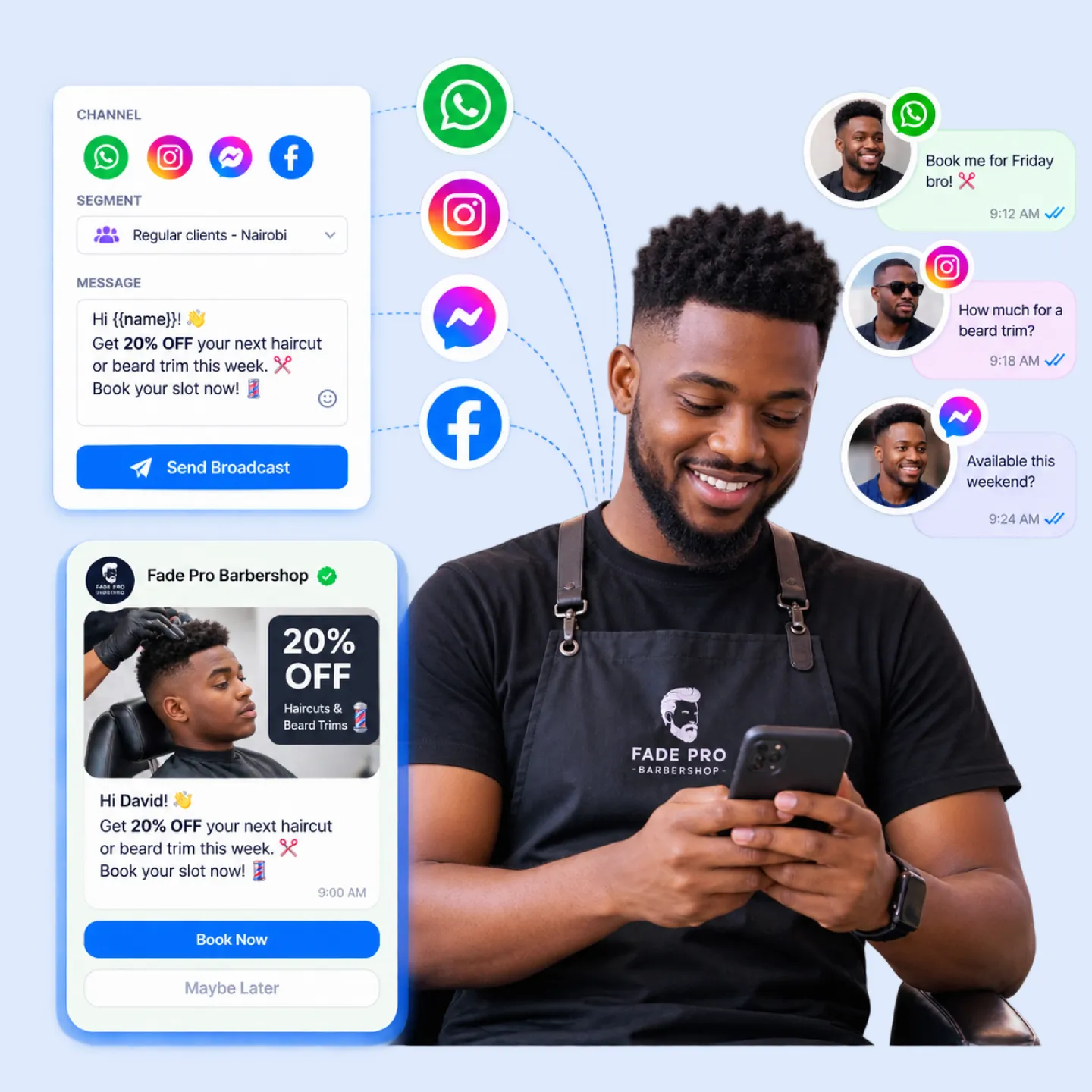
Your groups, your file or a few numbers.
Choose saved contact groups, import a spreadsheet and match its columns to the message, or paste numbers in. Everything is checked before a single message goes out.
Written once, read as if it was just for them.
Each variable in your approved template takes its value from the contact’s name, a column in your file, a contact field or one value for everyone. Missing something? A fallback fills the gap.
Hi Grace! This weekend enjoy 20% off braids. Slots open until Sunday. Book your slot now.Reply STOP PROMO to stop offers.09:00 ✓✓
Book nowNow, later, or when you’re ready.
Save a draft, send immediately or schedule it. Before you confirm, the review shows how many people it reaches and roughly how long it takes.
A big send that keeps your number healthy.
Broadcasts go only to people who agreed to offers, at a pace WhatsApp is happy with, and every message is accounted for.
Watch it land, person by person.
Every broadcast has its own results screen, updating while it sends: what’s queued, sent, delivered, read and failed, how fast it’s going, and each recipient with the reason if it didn’t arrive.
Broadcast questions.
What owners ask before their first big send.
Ask ACT, running on this site, or bring your customer list to a 20-minute Workflow Review and we’ll plan the first send with you.
Your contact groups, a file you import (Excel or CSV, with the columns matched to the message), or numbers you type in. Numbers are checked before anything is sent.
The same approved WhatsApp template, filled in for each person: their name, a field from your file or contact record, or a value you set for everyone. If something is missing, a fallback you choose is used instead.
Yes. Save it as a draft, send it immediately or schedule it for a date and time. Scheduled broadcasts start on their own and show on the calendar.
Anyone who opted out of promotional messages is left out automatically. Customers can reply STOP PROMO at any time.
Each broadcast has a live results screen: queued, sent, delivered, read and failed, the delivery funnel, send and success rate, and every recipient with their status and any WhatsApp error.
Replies land in your team inbox as normal conversations, so your team or ACT can answer, book or sell from there.
Send the news the way customers want it.
Tell us who you want to reach. We’ll set up the groups, the template and the first broadcast with you.